


The majority of compliance frameworks were designed taking into consideration that a physical office exists. Whether it is SOC 2, HIPAA, GDPR, ISO 27001, all of these have the assumption that there is a place where certain controls are located, and someone can easily point to it. Remote work completely negates this assumption and unfortunately, many compliance programs haven’t adapted to this reality.
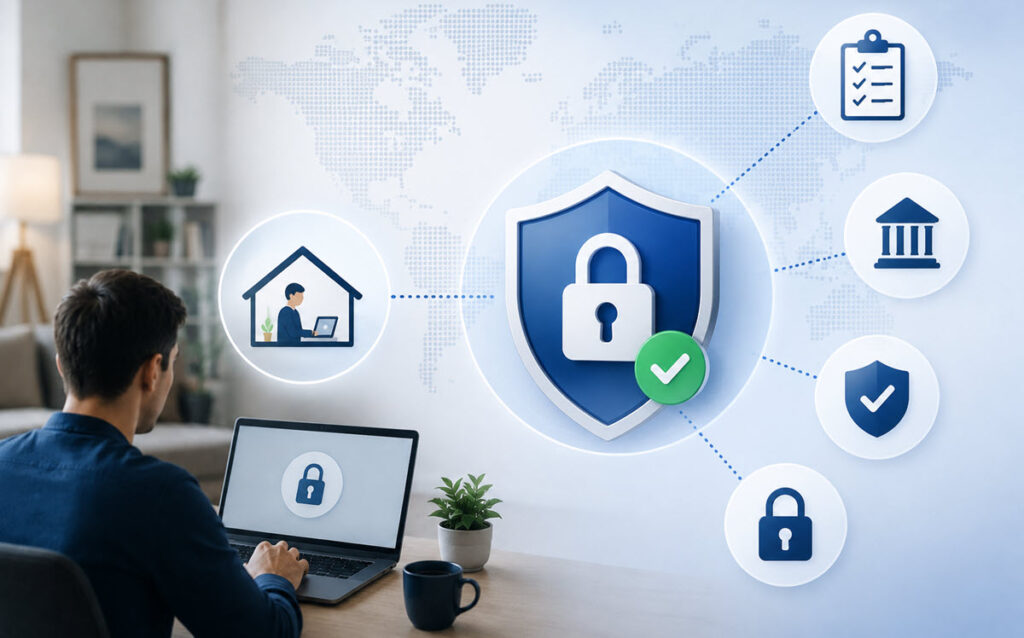
The perimeter is gone, but the audit still happens
When everybody was in one building, you could kind of rest your compliance controls on that. Firewalls, badge readers, and on-site monitoring did much of the heavy lifting. Today, though, employees are logging in from home routers, coffee shops, and personal laptops, and none of those old controls work the same way.
This isn’t a technicality. Auditors still expect the same assurance that your data is protected, access is restricted, and incidents get caught promptly. But you can’t just point to a physical boundary and call it a day. You have to prove it through identity and activity instead. You have to shift from “who’s inside the building” to “who’s allowed to touch this system, and can we prove it every time.”
Zero Trust Architecture is the real-world solution here. It’s designed on the assumption that no device or user, remote or not, should be automatically trusted. Combined with multi-factor authentication and least privilege access, it gives you a way to prove, enforce, and document that no one gets access they shouldn’t, even when you can’t rest your controls on the building entry. A VPN by itself isn’t going to solve this for you – encryption in transit doesn’t give the auditor any sense of whether the access was appropriate once it’s decrypting on your server.
Producing audit evidence without a physical office
This tends to be the piece that derails the most well-intentioned of remote work plans. An auditor can physically inspect a shared office space, ask questions of the operations team and verify network segmentation, or request lists of employees who have badge access to server rooms.
When the entire operation runs out of employees’ homes and co-working spaces around the country, the promise of compliance based on demonstrated controls goes out the window unless all of its potential evidence is automated and collected in a single, centralized place. Because there’s no shared computing environment they can walk around in to see for themselves.

Log evidence you could pull from a server’s local hard drive in an office needs to emanate in real-time from every server, desktop, laptop, virtual cluster, container, and cloud instance employees use to do their work. Plus all the cloud services they use to get that work done – your procurement and account management practices could change instantly, and there’s no way to be aware of that without monitoring all internet traffic. And their home networks, if you expect those to eventually touch your systems or data.
That puts you well into mandatory total centralized logging of everything on or near a network of any size, a security best practice every compliance framework no longer suggests but now outright requires as proof someone is piloting the ship. Building this infrastructure internally takes real headcount and specialized knowledge that a lot of mid-sized organizations don’t have sitting around. That’s why many compliance officers bring in outside help – working with a firm that provides cybersecurity compliance services can close that gap fast, particularly for organizations managing multiple frameworks at once with a distributed team and no dedicated security staff.
Document how home networks and personal devices actually get governed
Many programs come up short here as they have policies written for office equipment, and none of them addresses a laptop on someone’s home wifi. If your HIPAA or GDPR documentation doesn’t specifically address remote data access, unmanaged networks, and personal devices, you have a gap that the auditors will find.
Get it documented. Spell out what’s allowed on personal devices, what requires company-issued hardware, and how home network risk is handled. It’s boring labor, but it’s also the difference between a clean audit and a finding that takes months to remediate.
BYOD and unmanaged devices are the biggest blind spot
BYOD policies are in place since it can’t be expected that employees won’t use their personal devices. However, having an unchecked BYOD policy can pose a security risk. To protect your organization you should implement device encryption and endpoint detection and response. Data loss prevention tools should also be in place. Implementing stronger security measures does not necessarily mean invasive or spying on your employees. The objective is to ensure that company data does not leave the organization’s space even if an employee’s personal device is used.
The human element still decides most outcomes
The tools and policies are important, however, people are the ones who often make mistakes with one click. For a remote workforce, security awareness training is much needed – not the presentation that you already provided at the office 5 years ago. This training will help in minimizing the chances of mistakes that lead to a breach.
Together with the training, establish written guidelines regarding remote work. Employees must understand their responsibilities and not merely be advised to “be cautious”. If the instructions are ambiguous, the compliance will be as well.
Test your incident response plan against remote scenarios
Nearly every compliance framework requires a documented incident response plan, but if the plan assumes someone can walk over and unplug a server to contain an incident, it’s not going to age well when your team is spread across a dozen locations. Run tabletops that assume a compromised home device or phishing incident hitting a remote employee. Know what detection looks like, how you’re going to contain it, and how you’re going to notify your customers when nobody’s in the same building.
This also matters financially as much as procedurally. In the foreword to IBM’s Cost of a Data Breach Report 2023, Wendi Whitmore writes, “…the cybersecurity environment has become increasingly complex and extending the time for discovery and containment of a breach is contributing to the higher average cost…” A well-meaning response plan won’t prevent every incident, but it will shrink your window between an event and containment, and that’s where the $4.45 million, on average, gets lost.
Remote work isn’t going away, and neither is the compliance burden that comes with it. The orgs that succeed are the ones treating this as a policy and infrastructure issue, and not just a temporary inconvenience.
