


College life is deeply connected to the internet. Students submit assignments online, communicate through digital platforms, store research in cloud systems, and manage finances through apps. Convenience is everywhere. Unfortunately, so are cyber risks.
Cybercriminals increasingly target students because their digital habits create easy opportunities. According to a 2024 report from the Identity Theft Resource Center, nearly 37% of young adults have experienced some form of online account compromise before the age of twenty-five. Many incidents are not caused by sophisticated hacking. They happen because of small, preventable mistakes.
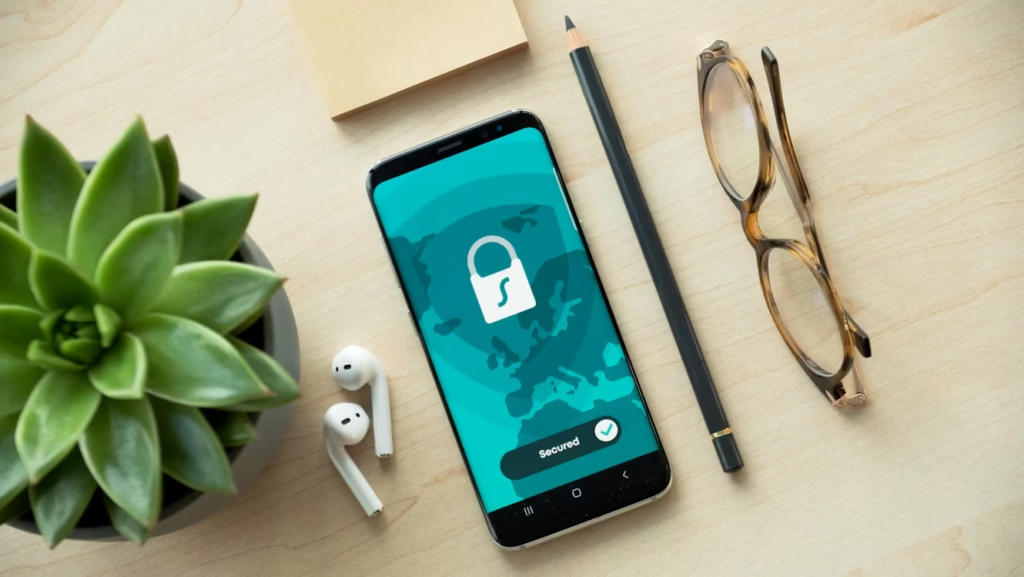
Protecting personal data online does not require advanced technical skills. Most effective defenses come from simple habits applied consistently. And students who learn these habits early often avoid problems that affect thousands of their peers every year.
Learning Secure Habits While Managing Academic Work
Students rely heavily on digital platforms not only for communication but also for academic work. Research papers, group projects, and course submissions all travel through online systems.
In conversations about academic workload, students sometimes discuss support platforms like EssayPro that help them structure research projects and manage complex assignments more efficiently. Academic support tools can save time, but students must always ensure they access legitimate services through secure websites.
Cybersecurity awareness matters even when searching for educational resources.
Why Students Are Frequent Targets for Cyber Attacks
Students operate in an environment that naturally exposes them to risk. Public Wi-Fi networks, shared devices, and dozens of online accounts create a complex digital footprint.
Cybercriminals often exploit these conditions through phishing emails, fake login pages, and malicious downloads. These attacks succeed because they appear ordinary. A message might look like a university notification. A file may appear to be a class resource.
According to the cybersecurity firm Proofpoint, over 70% of successful phishing attacks begin with emails disguised as educational communications. This statistic highlights how important awareness is in academic environments.
Digital safety begins with recognizing these patterns.

Strong Password Practices Still Matter More Than Technology
Weak passwords remain one of the most common reasons accounts are compromised.
Security experts consistently recommend using unique passwords for every important account. Reusing the same password across multiple platforms creates a chain reaction when one account is breached.
A strong password strategy should include:
- Using a combination of letters, numbers, and symbols
- Avoiding personal details like birthdays or pet names
- Storing passwords securely in a trusted password manager
Research from Google’s cybersecurity team found that users who rely on password managers reduce the risk of credential theft by nearly 50% compared to those who reuse passwords manually.
Simple habits can dramatically reduce risk.
Public Wi-Fi: Convenient but Often Dangerous
Students regularly work in coffee shops, libraries, and shared study spaces. Public Wi-Fi networks make it easy to stay connected, but they also create opportunities for cyber interception.
Attackers can monitor unsecured networks to capture login credentials or sensitive data. Even if the network appears legitimate, there is no guarantee it is secure.
Students can reduce risk when using public networks by following a few guidelines:
- Avoid accessing financial accounts or sensitive information
- Use websites that display secure HTTPS connections
- Consider using a trusted virtual private network (VPN)
These steps protect data even when networks are unfamiliar.
Recognizing Phishing Attempts Before They Cause Damage
Phishing remains the most common method used by cybercriminals targeting students. The technique relies on deception rather than technical complexity.
A typical phishing message might claim that a university account needs verification or that a package delivery requires confirmation. The message then directs the recipient to a fake login page.
Students can protect themselves by watching for warning signs such as unusual sender addresses or urgent requests for personal information.
Key indicators of phishing emails include:
- Slightly misspelled domain names
- Unexpected attachments or links
- Messages that create artificial urgency
Taking a few seconds to verify a message often prevents serious problems.
Social Media and Oversharing Risks
Students frequently share personal updates online. While social media builds community, it can also reveal information useful to attackers.
Details like travel plans, birthdays, and university affiliations help cybercriminals craft convincing phishing messages. Increased sharing online raises the chance of identity theft.
A useful rule is simple: if a piece of information could help someone guess a password or security question, it should not be posted publicly.
Privacy settings also deserve regular review. Platforms frequently update policies, which can change who sees certain posts.
The Role of Awareness in Academic Environments
Many campuses now offer cybersecurity awareness programs to help students understand emerging risks.
These programs emphasize that security is not just an IT department responsibility. Every user plays a role in protecting systems.
In academic discussions about digital writing and research platforms, the topic of an essay writing service sometimes appears among students navigating complex assignments. Education expert Annie Lambert notes that students should evaluate online services carefully, ensuring that any platform they use follows strong data protection practices.
According to Lambert, understanding how online platforms handle personal data is just as important as understanding how to write a research paper.
Final Thoughts: Building Long-Term Digital Safety Habits
Cybersecurity may seem complicated, but most protections rely on awareness and routine. Students who adopt strong habits early carry those practices into their professional lives.
The most effective long-term strategies include:
- Regularly updating software and devices
- Backing up important academic work
- Reviewing account activity for unusual behavior
These steps reduce vulnerability without requiring technical expertise.
