


Product videos help online shoppers see an item’s appearance, details, and practical uses. Instead of arranging a new product shoot for every campaign, sellers can use Nano Banana 2.1 and Kling 4.0 on Pollo AI to create videos from generated images.
The process has two main stages: generate a product image with Nano Banana 2.1, then animate it with Kling 4.0. The resulting clips can be used on product pages, in social media posts, or in advertising campaigns.
Step 1: Generate a Product Image with Nano Banana 2.1
Open the Nano Banana 2.1 on Pollo AI and select the model. It supports text-to-image and image-to-image generation, so sellers can create a new product scene from a prompt or use an existing photo as a reference.
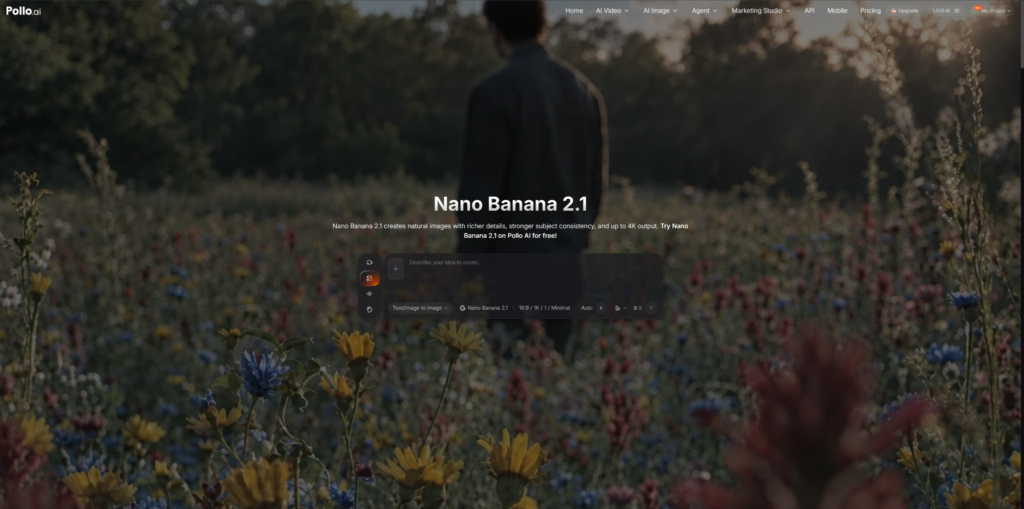
Write a Prompt or Upload a Reference
Describe the product, background, lighting, and camera angle. For example:
“Create a realistic product photo of a matte white ceramic coffee mug on a light oak table. Use soft morning sunlight and a neutral beige background. Keep the mug centered, with its handle and surface clearly visible.”
For existing products, upload a reference photo to help preserve the original design, color, and packaging. Review the generated image before proceeding. If important details are incorrect, revise the prompt or generate another version.
Step 2: Animate the Image with Kling 4.0
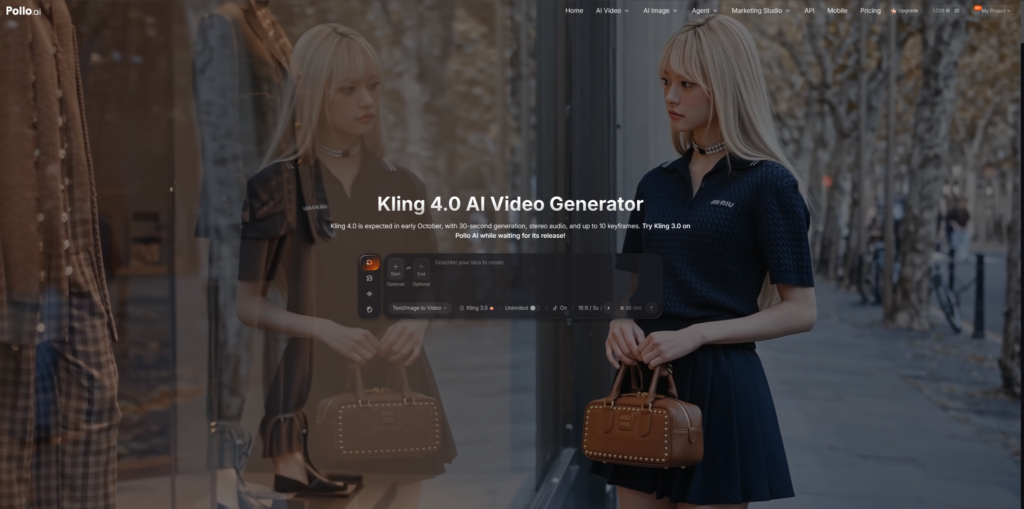
Once the image is ready, open Kling 4.0 on Pollo AI and select the image-to-video workflow. Upload the image generated in the previous step.
Describe the Camera Movement
The image already establishes the product’s appearance, so the prompt should focus on movement rather than describing the entire scene again.
Click Generate and preview the result. Check for changes to the product’s shape, logo, or packaging. If the movement looks unnatural, simplify the prompt and generate another version.
Step 3: Adapt the Video to the Product
Different products need different shots. The goal is to highlight the details shoppers care about without making the video unnecessarily complicated.
Choose Suitable Visuals
- Beauty products: Use close-ups to show packaging and surface details.
- Clothing and accessories: Keep colors, patterns, and shapes consistent with the actual item.
- Home products: Show the item in a realistic setting that reflects its intended use.
Start with a clear product image and choose camera movements that suit the item. Avoid excessive motion that distracts from the product or makes its details difficult to see.
Step 4: Edit and Check the Final Video
Before publishing, adjust the clip to suit its intended placement. Product pages may favor a clear view of the item, while social media advertisements may require a vertical format.
Prepare the Clip for Publication
Check the target platform’s requirements for aspect ratio, duration, resolution, and file format. Add prices, product names, captions, and calls to action in a video editor so that commercial information remains accurate and easy to read.
Finally, compare the video with the actual product. Correct any changes to logos, colors, packaging, or other important details, and verify that all product claims are accurate.
Tips for Better Product Videos
AI-generated videos may take a few attempts to get right. Before generating, decide what you want the clip to emphasize, such as the product’s texture, its use in everyday life, or a close-up of a key feature.
Keep prompts specific about the intended movement. For example: “Slowly push the camera toward the coffee mug, then move slightly to the right to reveal its handle. Keep the mug’s shape, color, and logo unchanged. Use smooth, natural motion.”
A clear direction makes it easier to evaluate each result and adjust the prompt without changing too many elements at once.
Conclusion
Nano Banana 2.1 and Kling 4.0 on Pollo AI offer a practical way to turn product images into videos for online stores and social media. Start with a clear image, use simple movements, and check the final clip against the actual product.
If you want to create product videos without arranging a new shoot for every idea, try this workflow on Pollo AI and see which results work best for your products.
